
How to Start a Video Podcast on YouTube
Podcasts are one of the fastest growing formats on YouTube. Many listeners now watch podcasts as videos, and YouTube has added dedicated podcast features to make them easier to find.
Choose a format
- Solo: you share knowledge or opinions on a topic.
- Co-hosted: two or more regular hosts with natural chemistry.
- Interview: a different guest each episode.
Interview shows grow quickly because guests share episodes with their own audiences.
Get the right gear
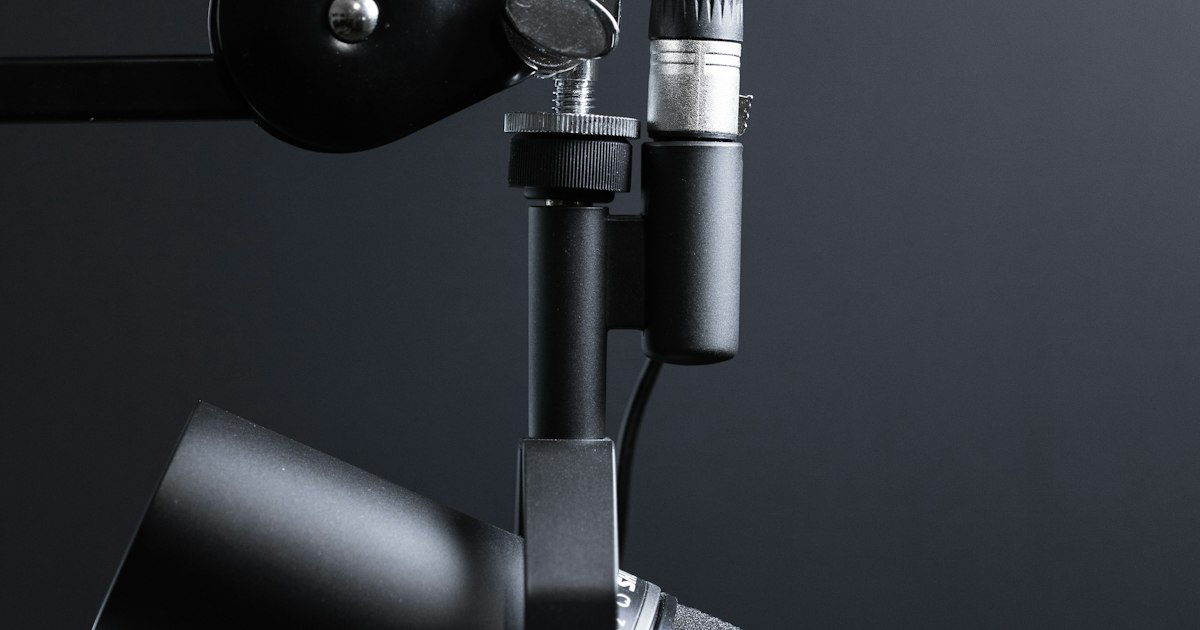
Each speaker should have their own microphone placed close to their mouth. Dynamic USB or XLR mics are forgiving in untreated rooms. For video, one wide camera plus a close camera for each person gives you options in editing.
Record clean audio
Record each person's audio on a separate track if you can. This makes it easy to fix volume differences and remove coughs or interruptions.
Keep a consistent schedule
Weekly episodes are common. Publish on the same day so your audience knows when to expect new content.
Make podcast playlists
Add episodes to a playlist and mark it as a podcast in YouTube Studio. This helps YouTube show your show in podcast sections and lets viewers binge episodes.
Clip, clip, clip
A one-hour episode contains many short moments. Turn the best ones into Shorts and short videos with strong titles. Clips are the main way new viewers discover long podcasts.
Write searchable titles
Episode numbers alone do not help search. Include the guest name and the main topic, for example "How to Save Money in Your 20s with a Financial Planner".
Need help getting your podcast heard? AdsTube's video promotion campaigns help new episodes reach the right listeners.
Ready to grow your YouTube channel?
AdsTube helps creators and businesses across India get real views, subscribers and monetization through genuine, targeted promotion.
Talk to our team